

2026 Laurels Media Awards
CATEGORIES
Easy Access 🔗s - AWARDS HOME | FEES
2026 Laurel Media Awards Category & Entry Process
This year's contest features 43 total categories across five disciplines including: Writing • Photography • Speaking and Broadcast • Digital Media • Publisher
GardenComm's 2026 Laurel Media Award categories are broken down into three types of content producers - Individuals, Trade and Publishers. To view the eligible categories, start by creating an account on the awards site. Follow the steps below to discover which categories you are eligible to enter, what needs to be submitted and the judging criteria for each category.
The complete category list can also be downloaded here.
⤵️ Start Here
Access the awards site and create an account. If you have created an account on the site previously, go to login.

🖋️Create Your Account
If you have created an account on the site previously, go login.
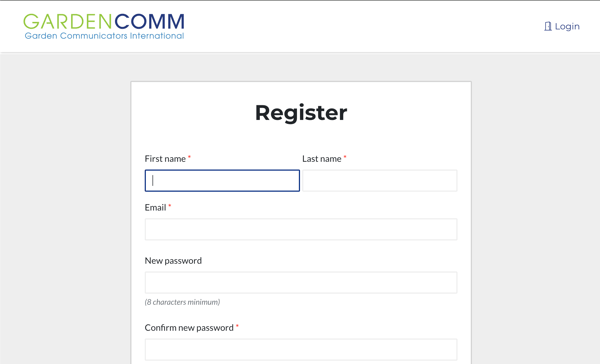
Click on the "Start Here" button

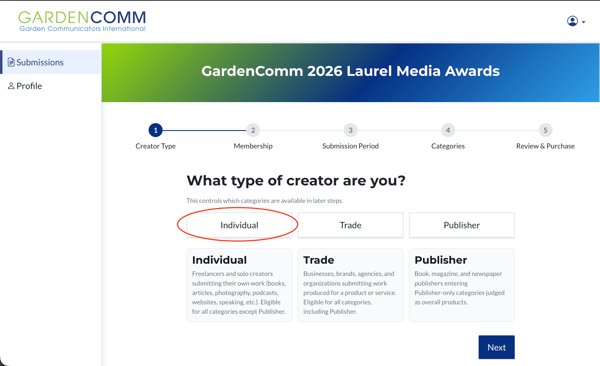
Select the type of creator; Individual, Trade or Publisher
👥 Select Your GardenComm Membership Status
Next, select your membership status which determines your entry fees. Not a member? Save up to $100 per entry by joining GardenComm today—membership pays for itself in just 2-3 entries! Trade non-members can still enter with a minimum of 4 entries or become an Allied Trade member for no minimum requirements.

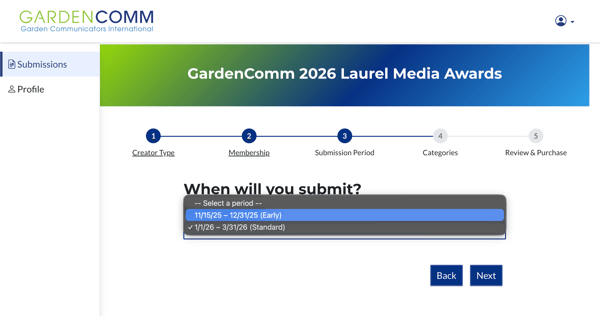
Select the dates when you are submitting your entry. The earlier you enter, the more you save. Note that the early pricing ends on 1/31/26 which is discounted $25 per entry for both members and non-members. If you're not ready to submit your entry before the early deadline, select your entry categories and checkout by the deadline, then complete your submission prior to 3/31/26. All eligible discounts and fees will be applied and displayed after selecting your entry categories.
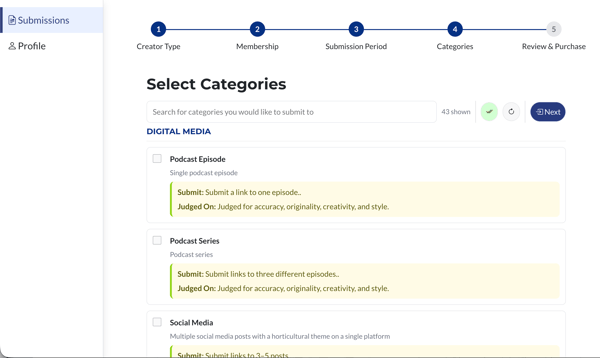
Browse all categories to find the perfect fit for your work. Not sure which category? The platform automatically displays your qualifying categories—no guessing required. Each category listing includes detailed descriptions plus details of what is required for each submission and how the category is judged. You can also submit multiple works in a category in the next step.
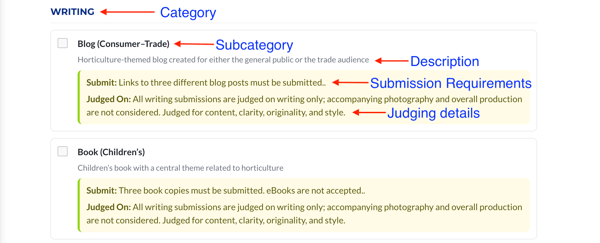
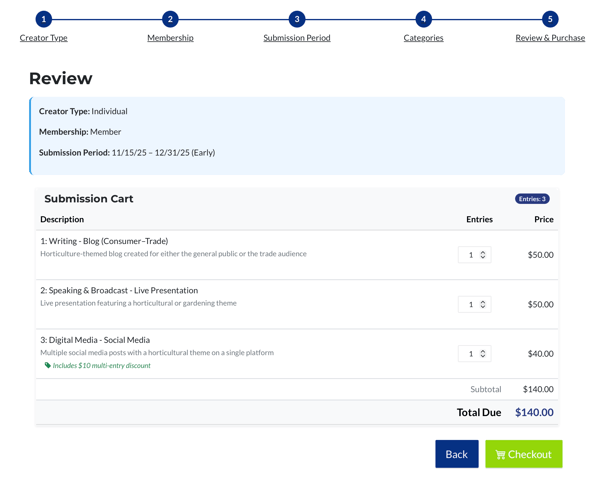
Once you've checked the categories you'd like to enter, the review and checkout will display your entries and fees. Before proceeding, be sure to;
- Make any adjustments to your cart before moving on to the payment window. You can adjust the quantity if you plan to enter multiple works in a single category.
- Remove a category - click the Back button to uncheck any category you wish to remove
- Submit more than 2 entries and receive $10 off each additional submission. The more you enter, the more you save!
If you are ready to submit the payment for the fees, proceed by checking the green Checkout button.
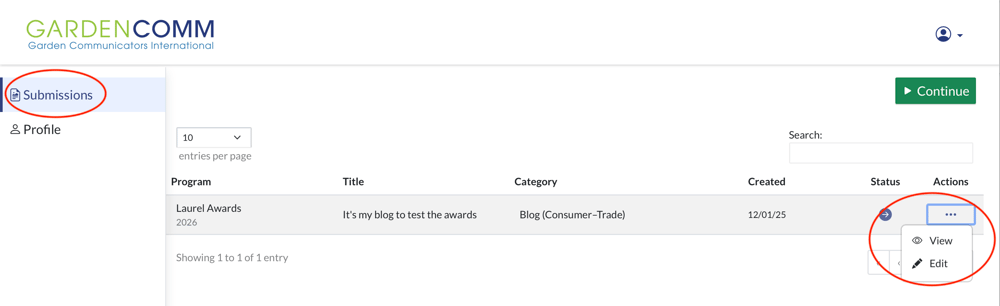
Once you have completed your payment for your award fees, return to the awards site and go to Submissions. You will see a list of all the entries that are ready to submit. Click on the ... under actions and select Edit.
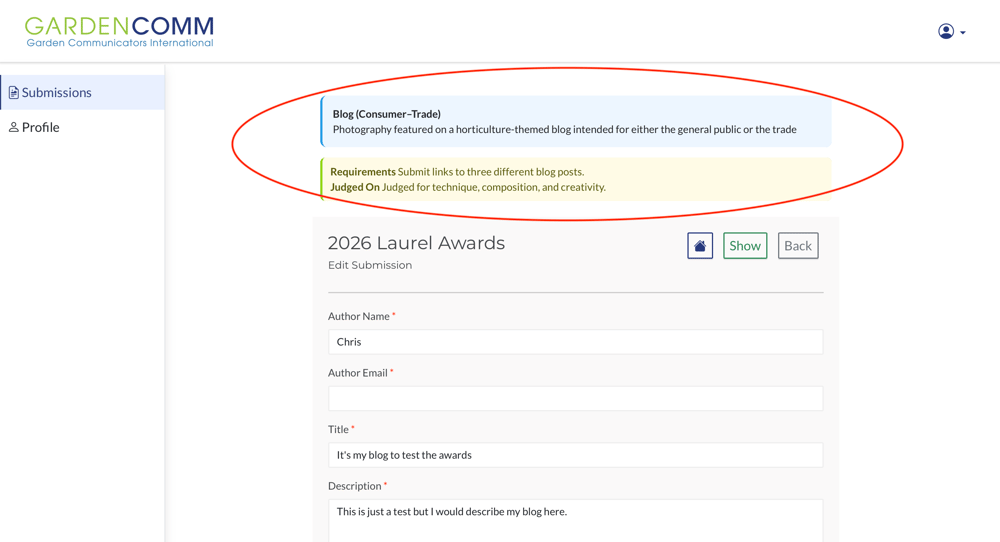
🎉 You're Finished - Here is What's Next
After you have submitted your entry, GardenComm's Awards Committee will review your entries to ensure you have provided the required information and your membership status selection is correct. If you are entering books or calendars, you will need to ship 3 copies to the awards judges. Our committee co-chairs will provide you with the addresses to send them.
Silver winners will be announced on July 1 and Gold winners will be announced the week of August 24th at the Annual Awards & Honors dinner during the Gather & Grow Mega Connect Meeting at Farwest 26 in Portland, OR.
Questions?
If you have questions please reach out us at any time during the process at info@gardencomm.org. We will be sure that your question is directed to the awards committee to address as soon as possible.